1. Check everyone’s access
Each player signs in with their own account and needs an active trial or Premium access for online multiplayer. After the trial, free access is for three selected card games against the CPU or offline.
The Card Games phone app is available for iOS and Android, and there is also a browser version. Use the same account for your own devices.
2. Create the table
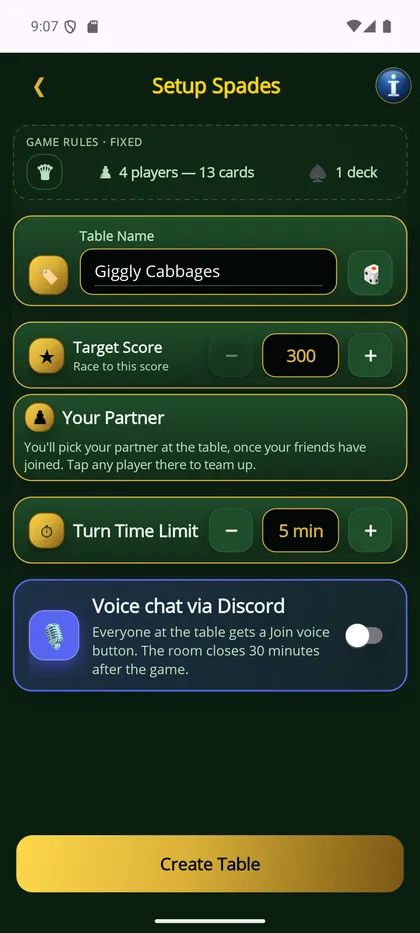
Choose online play, create a table, and select your game. Review the available house rules, target score and turn timer together before you start.
For a first Hearts game, plan for four seats. If only two friends are playing, fill the other two seats with CPU opponents.
3. Share the invitation
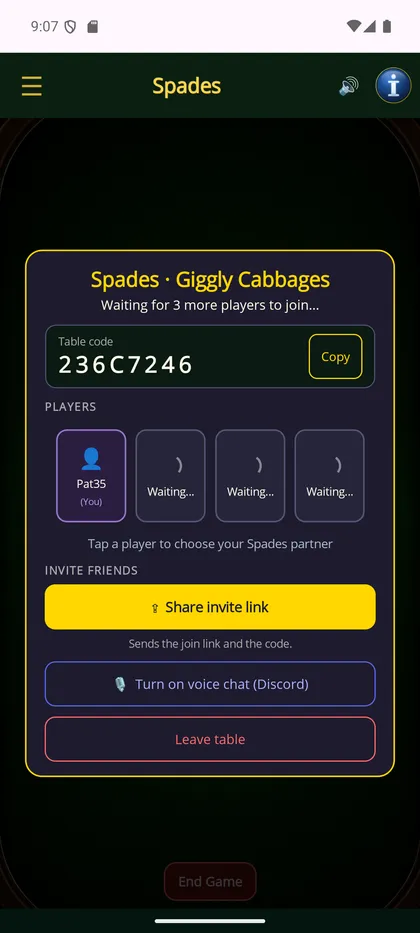
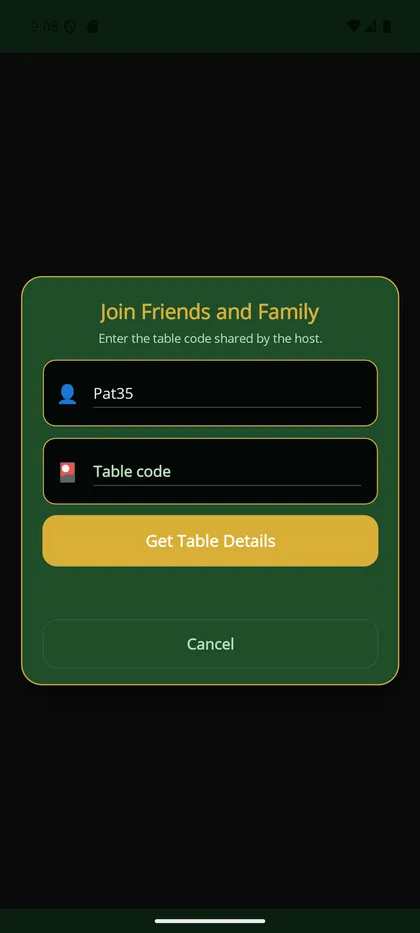
Send the table’s invite code privately to the people you want to play with. Ask them to use the join-by-code option and enter it as shown.
If someone cannot join, check the code, available seats, account sign-in, and trial or Premium status. The support page is available if the problem persists.
4. Play a practice hand
Make sure everyone is seated before starting. Use the in-app rules when a question comes up. If you use voice chat, agree as a group how you want to communicate.
Choose a relaxed first game and review the experience afterward. Multiplayer is part of Premium after the trial, so show friends the pricing page before arranging future sessions.